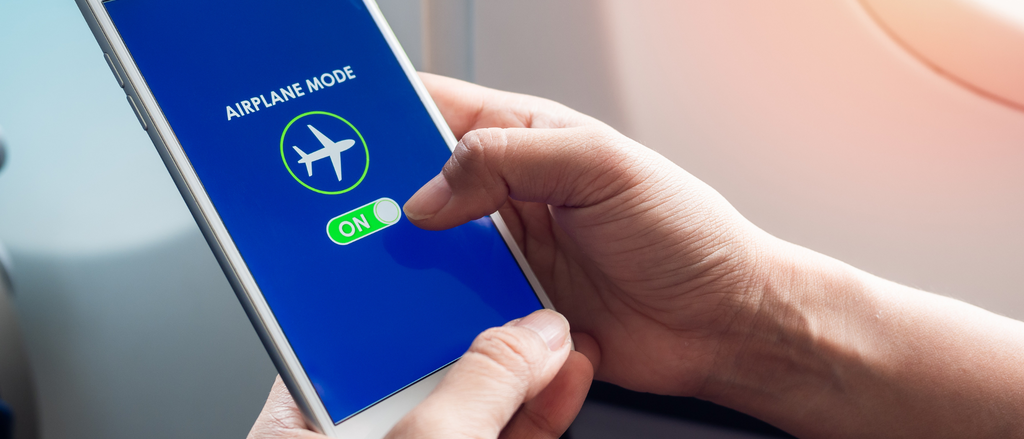
What is flight mode and how does it work?
Thursday, April 9, 2026
Flight mode (also called airplane mode) is an essential device setting that disables your device's wireless communications while keeping other functions active. Understanding how it works helps you comply with airline regulations while maximising your device's functionality during travel.
What does flight mode actually do on your device?
When you activate flight mode, your device immediately disables several key functions:
- Cellular connection: No calls, texts, or mobile data
- Wi-Fi: Automatically disconnected from networks
- Bluetooth: Wireless accessories stop working
- GPS: Location services may be limited
However, your device remains fully functional for offline activities like reading downloaded content, taking photos, or using apps that don't require internet connection. Airlines require flight mode during takeoff and landing because active cellular signals can potentially interfere with aircraft navigation systems.
Battery and performance benefits
Flight mode also significantly extends your battery life by stopping your phone from constantly searching for cellular signals. In areas with poor reception, your device works harder to maintain connection, draining the battery faster. By enabling flight mode, you can preserve up to 50% more battery life during long travel days.
The feature also improves device performance by freeing up processing power normally used for maintaining wireless connections, making your phone run more smoothly when using offline applications.
Why do airlines require flight mode during flights?
Aviation authorities require airplane mode to minimize the risk of interference with aircraft navigation and communication systems. While modern planes are well-shielded, regulations prioritise absolute safety margins.
Radio frequency interference from multiple active devices could theoretically disrupt sensitive avionics equipment. Flight mode eliminates this risk by stopping all radio transmissions from passenger devices.
Air traffic control communications operate on specific frequencies that cellular signals might interfere with. Maintaining clear communication channels between pilots and ground control is critical for flight safety.
Navigation system protection ensures GPS and other positioning equipment function without potential signal conflicts from passenger devices seeking cellular connection.
How do I turn on flight mode on different devices?
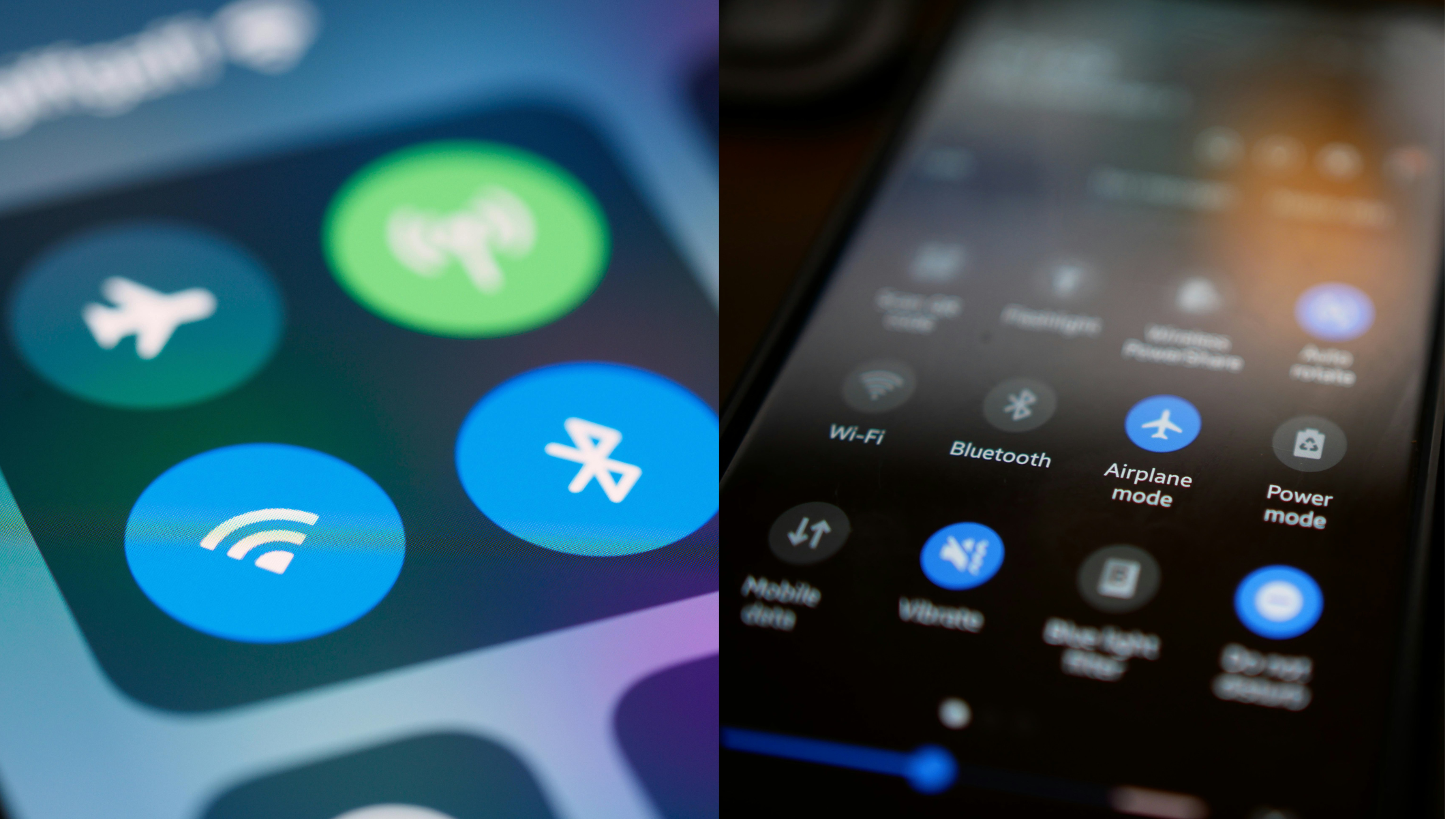
iPhone users: Swipe down from the top-right corner and tap the airplane icon, or go to Settings > Flight Mode.
Android devices: Swipe down from the top and tap the airplane icon, or navigate to Settings > Network & Internet > Flight Mode.
Alternative method: If touchscreen controls aren't working, most devices allow flight mode activation through physical button combinations or voice commands.
Can you use Wi-Fi and Bluetooth in flight mode?
Yes, most airlines now permit selective reactivation of Wi-Fi and Bluetooth while maintaining flight mode. Once flight mode is active, you can manually turn Wi-Fi back on to access in-flight internet services. Similarly, Bluetooth can be reactivated to use wireless headphones or other accessories.
When should you use flight mode while travelling?
During flights: Airplane mode is required for the entire duration of the flight. After boarding is complete and the aircraft is ready for departure, the crew will usually announce that passengers should switch on airplane mode. After landing, they will inform passengers when it is safe to turn it off again—often while the plane is taxiing.
International travel: Activate flight mode before crossing borders to prevent automatic roaming charges. You can then selectively enable Wi-Fi to stay connected without cellular fees.
Battery conservation: Flight mode significantly extends battery life during long journeys by stopping your device from constantly searching for cellular signals.
What happens if you don't use flight mode on a flight?
Although modern aircraft are well-shielded, active cellular devices (when airplane mode is off) can create interference with navigation and communication systems. While this rarely leads to major problems, maintaining clear communication between the pilots and air traffic control is essential, especially in the event of any abnormalities or emergencies.
Beyond safety concerns, leaving cellular data active during international flights can trigger massive roaming charges, sometimes reaching hundreds of pounds for just a few hours of accidental usage.
Frequently asked questions about airplane mode
Does flight mode affect my alarm clock?
No, your device's alarm and clock functions continue working normally in flight mode.
Can I take photos in flight mode?
Yes, your camera works perfectly in flight mode. You just won't be able to immediately share photos online without Wi-Fi.
Will I receive messages sent while in flight mode?
Messages will be delivered once you disable flight mode and reconnect to cellular networks.
How do I know if flight mode is active?
An airplane icon appears in your device's status bar when flight mode is enabled.
Can I use downloaded apps in flight mode?
Absolutely. Any app that doesn't require internet connection will function normally.
Understanding flight mode is just one aspect of knowing your rights as a passenger. When flights are delayed or cancelled, you may be entitled to compensation under UK261 regulations. If your flight arrives more than 3 hours late, is cancelled with less than 14 days' notice, or you're denied boarding, you could claim up to £520 in compensation. Check your eligibility and start your claim with AirRefund.com/en today.



Did you like this content ?
Thanks you made our day!
Help us be better!
Well received, thanks!